
Install once for every trip
Add data for as many destinations as you need, whenever you travel.
Add data for as many destinations as you need, whenever you travel.
Buy for family or colleagues and manage every eSIM in one dashboard.
Our top-up page still works after your plan reaches zero.
Open your instant delivery link in the browser and install your eSIM.
Popular destinations
Choose a destination to see every plan that covers it.
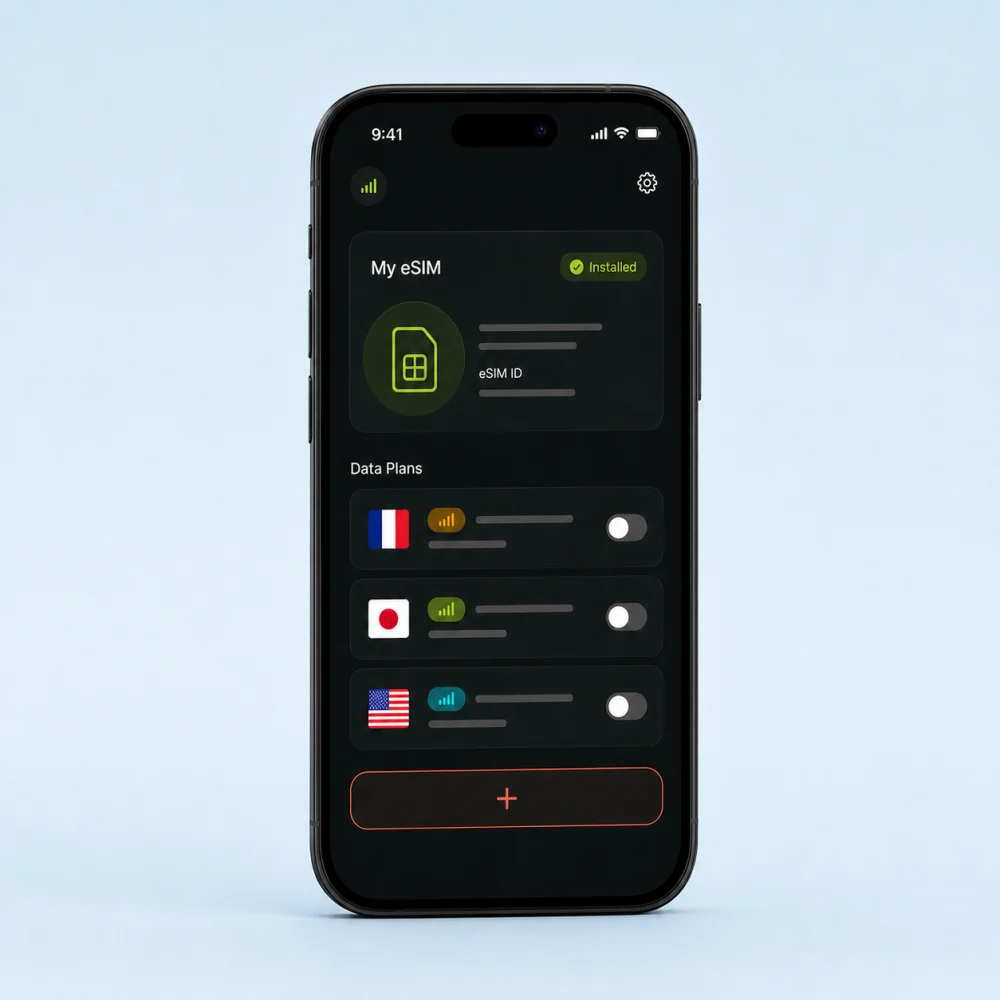
Install once
Keep eSIMDA on your phone, add new destinations whenever you travel, and decide exactly when each data plan begins.
How it works
Getting connected with eSIMDA takes three simple steps.
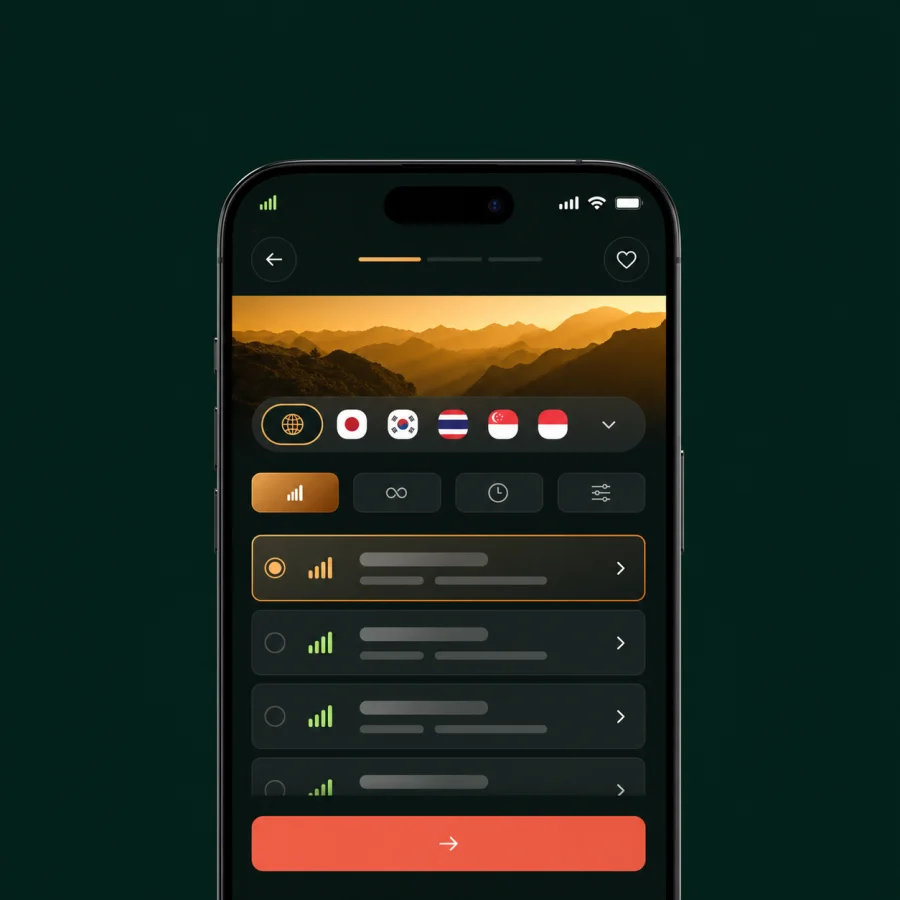
Pick a country or region, then choose the data plan that fits your trip.
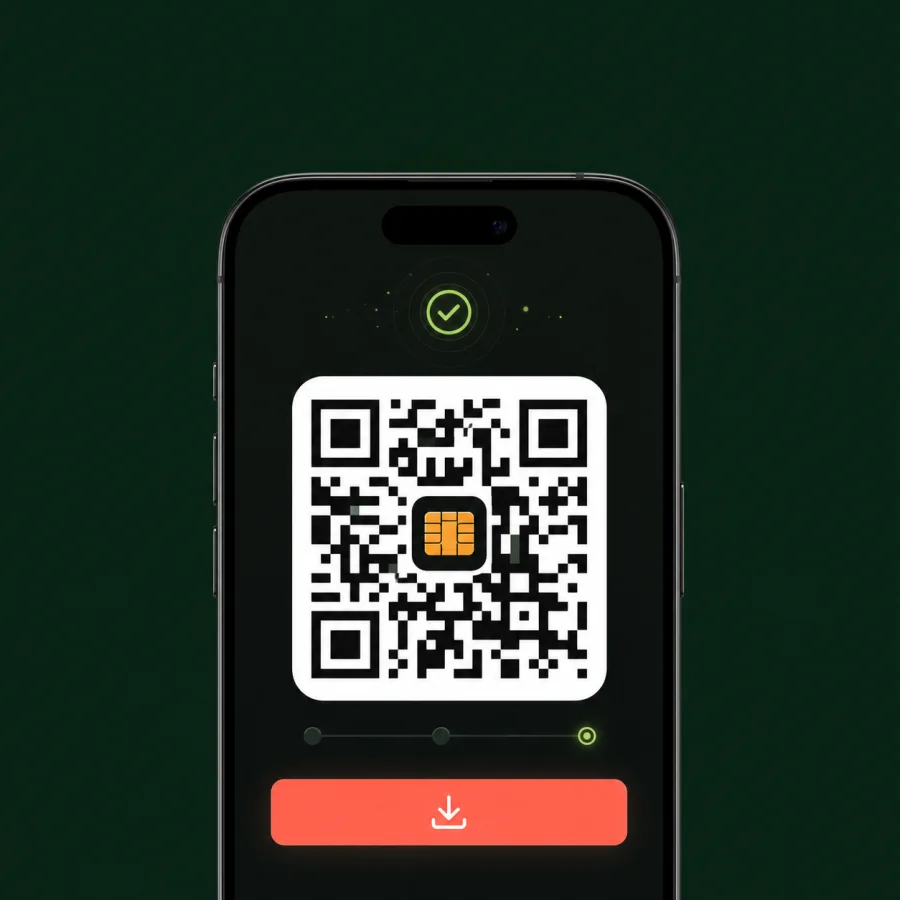
Your reusable eSIM arrives instantly after checkout, ready to install.
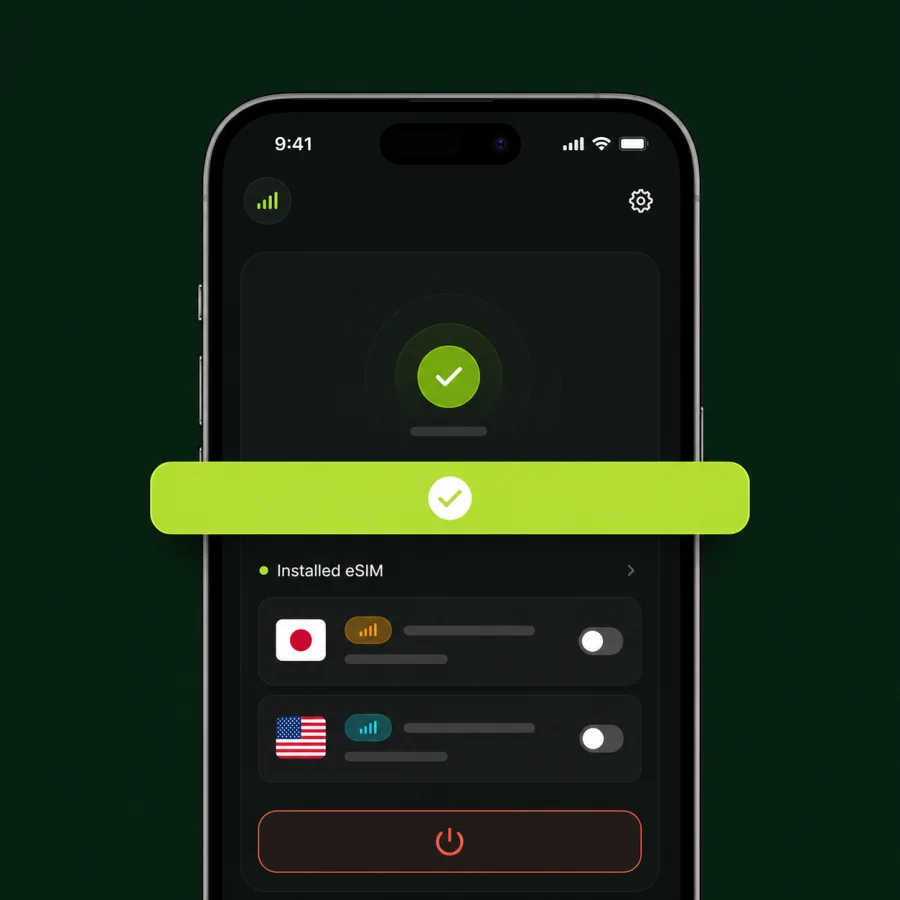
Keep the eSIM on your phone and start each destination plan when you need it.
Multi-destination trips
Add every destination in one checkout. Start each plan only when you arrive.
No validity is used while a plan is waiting.You stay in control of every activation date.
Built for real travel
From installation to top-ups, the essentials stay simple before and during your trip.
Get help in your language at any time. Average reply: 5 minutes.
If your eSIM cannot connect, request a full refund under our refund policy.
Tap Install eSIM from your delivery page. No app or QR code required.
Use maps, messages, rides, bookings and the apps you rely on abroad.
Connect to the best available local network, including 5G where supported.
Share data with a phone, tablet or laptop when your plan supports tethering.
Travel eSIM help
Clear answers about eSIM compatibility, installation, activation, data plans, top-ups, and traveling with your usual phone number.
An eSIM is a digital SIM built into a compatible phone or tablet. It lets you add a mobile data plan without inserting a physical SIM card, so you can connect abroad while keeping your usual SIM in your device.
Your device must support eSIM and be unlocked for use with other mobile networks. Check the mobile or cellular settings for an Add eSIM option, or confirm compatibility with your device manufacturer before buying.
Install your eSIM before departure while you have reliable Wi-Fi. Your data plan does not begin when you buy or install it; its validity starts only when you manually activate that plan.
Yes. Keep the eSIMDA profile installed on the same device, then add a new country, regional, or global data plan whenever you travel. You do not need to install a new eSIM for every destination.
Yes. eSIMDA handles travel data while your primary SIM can stay available for your usual number. WhatsApp and similar apps continue to use the number already registered to your account.
Yes. Add multiple country or regional plans to one purchase, then activate each plan separately when you reach that part of your trip. A waiting plan does not use any of its validity period.
After checkout, open your secure eSIM delivery page on the phone you want to connect and tap Install eSIM. Follow the device prompts, keep the profile installed, and activate a destination plan only when you are ready to use it.
Validity starts when you manually activate the individual data plan, not when you purchase it. If you bought several destinations, each plan has its own activation date and validity period.
You need an internet connection to download and install the eSIM profile, so installing before your trip on reliable Wi-Fi is best. After installation and activation, the eSIM uses the supported cellular network at your destination.
Many travel eSIM plans require data roaming on the travel eSIM line. Follow the setup instructions for your plan, select eSIMDA for mobile data, and keep roaming disabled on your primary SIM if you want to avoid carrier roaming charges.
Confirm that the correct destination plan is active, eSIMDA is selected for mobile data, and the required roaming setting is enabled on that line. Restart the device and contact 24/7 support before deleting the eSIM profile.
Do not delete the reusable eSIM profile unless support asks you to. eSIM profiles are tied to a device, and transfer options vary, so contact support before replacing, resetting, or moving to a new phone.
A country plan covers one destination, a regional plan covers a group such as Europe, and a global plan covers the widest set of destinations. Search for where you are going to compare every plan that includes it.
Yes. Add another data package from your dashboard without reinstalling the eSIM. The eSIMDA top-up page remains available even when the current plan reaches 0 GB.
Open your eSIMDA dashboard to view each eSIM, destination plan, activation status, and remaining data. Checking usage before streaming or using a hotspot helps you decide when to top up.
Yes, when tethering is supported by the selected plan and device. Data used by a connected laptop, tablet, or another phone is deducted from the same eSIM data allowance.
eSIMDA connects to supported local mobile networks and can use 4G or 5G where the plan, network coverage, and your device support it. Actual speed varies by location, signal strength, network congestion, and device.
Maps, messaging, email, and ride-hailing use relatively little data, while video, social media, cloud backups, and hotspot use consume more. Choose a smaller plan if you mainly need essentials; you can top up later if needed.
Yes. Buy separate eSIMs for other travelers and manage their plans from one dashboard. Each person installs their assigned eSIM on their own compatible device.
Signing in links the purchase, eSIM delivery, top-ups, and activation controls to the correct account. It also prevents a mistyped checkout email from separating you from the eSIM you bought.
eSIMDA plans are for mobile data and do not replace your phone number. You can use WhatsApp, FaceTime, Telegram, and other internet calling apps, or keep your primary SIM active for carrier calls and SMS.
The eSIMDA plan avoids data roaming through your home carrier when it is selected as the mobile data line. Your primary carrier may still charge for calls, SMS, voicemail, or any data used on that SIM, so review its roaming settings and rates.
An eSIM profile is stored digitally in supported device hardware and cannot be physically removed like a plastic SIM. Keep your eSIMDA account and device protected, and never share installation or account access details.
If a technical issue prevents your eSIM from connecting, contact support so the setup can be checked. Eligible refund requests are handled under the eSIMDA refund policy, so do not delete the profile before troubleshooting is complete.